Which Tools Are Commonly Used for an Effective eCommerce SEO Audit?
Discover the essential tools used to audit an online store’s SEO, including technical crawlers, keyword research platforms, content optimizers, and performance analysis tools.

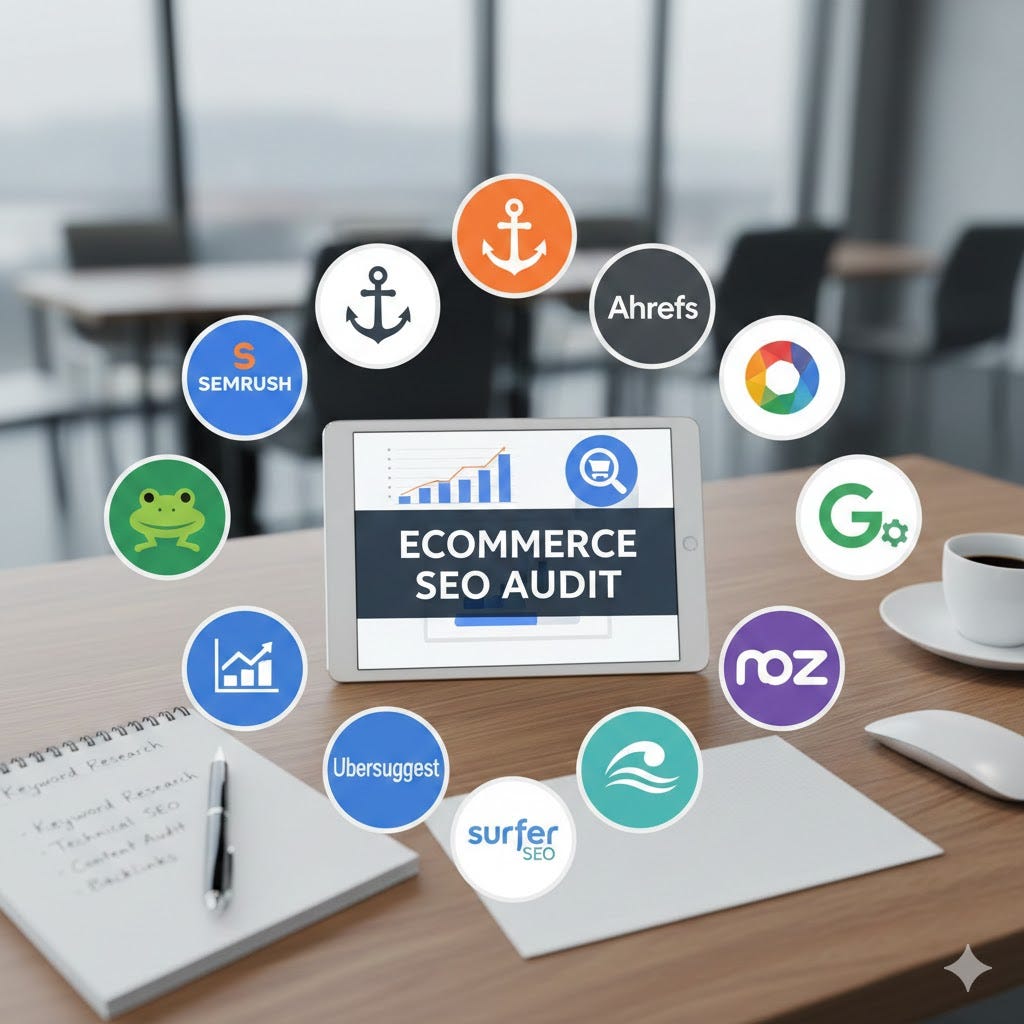
Running an eCommerce website without regular SEO audits is like managing a store without checking inventory, layout, or customer flow. You may still get sales, but you’ll never know what’s limiting growth or where opportunities are being missed.
An audit for an online store helps uncover technical issues, content gaps, and performance problems that affect how your website appears in search results—and how users interact with it once they arrive. Because eCommerce sites often have hundreds or even thousands of pages, manual checks aren’t enough. This is where the right SEO tools become essential.
In this guide, we’ll look at which tools are commonly used for an effective eCommerce SEO audit, what each category of tools is designed to analyze, and how they work together to give a clear picture of your site’s SEO health. Whether you’re auditing a small online store or a large product catalog, understanding these tools will help you make better, data-backed SEO decisions.
What is an eCommerce SEO Audit?
An SEO audit for an online store is a structured review of how well a website is prepared to perform in search results and support user engagement. Rather than focusing on a single issue, it examines multiple areas that influence visibility, traffic quality, and overall site performance.
For eCommerce websites, this process is more complex than it is for blogs or service-based sites. Online stores typically include product pages, category pages, filters, and internal search URLs—all of which can create SEO challenges if not handled correctly.
An audit helps uncover issues such as:
Pages that aren’t being crawled or indexed properly
Duplicate or overlapping URLs caused by filters and sorting options
Product and category pages compete for the same search terms
Important pages are buried too deeply in the site structure
The purpose of an audit isn’t just to list problems. It’s to understand what’s limiting search visibility and to create a clear, prioritized plan for improvement based on what will have the most impact.
Why Choosing the Right Tools Matters for eCommerce SEO
An eCommerce website generates far more data and complexity than most other types of sites. With hundreds or thousands of URLs, relying on assumptions or surface-level checks can lead to missed issues and wasted effort. The right tools make it possible to see what’s actually happening across the site.
SEO tools help turn large amounts of data into clear insights. Instead of guessing why a product page isn’t ranking or why traffic dropped, you can identify the exact cause—whether it’s a crawl issue, weak internal linking, or poor page performance.
Using the right tools also helps you:
Analyze large product and category catalogs efficiently
Spot technical problems that aren’t visible to the naked eye
Understand how search engines view and process your pages
Prioritize fixes based on impact rather than effort
Just as important, different tools are built for different purposes. A crawler won’t replace keyword research software, and analytics data alone won’t reveal technical SEO problems. Choosing the right mix of tools ensures that your audit is accurate, actionable, and focused on improvements that actually support growth.
Categories of Tools Used in eCommerce SEO Audits
An effective audit doesn’t rely on a single tool. Instead, it uses a combination of tools, each designed to analyze a specific part of the website. Breaking them into categories makes it easier to understand what each tool is used for and why it matters.
To run an effective audit, SEO professionals rely on different types of tools, each designed to analyze a specific part of an online store. No single tool can cover everything, which is why audits are usually done using a combination of platforms.
Below are the main categories of tools commonly used, explained in a logical order.
1. Technical SEO & Crawling Tools
These tools are used to crawl your website the same way search engines do. They help uncover structural and technical issues that can prevent pages from being indexed or ranked properly.
Commonly used tools include:
Screaming Frog
Widely used for crawling large product catalogs and exporting detailed SEO data such as URLs, metadata, status codes, canonicals, and internal links.Sitebulb
Helpful for visualizing site structure and understanding issue priority, making it easier to explain technical problems and decide what to fix first.DeepCrawl – Often used for large eCommerce sites with complex navigation and filtering
Together, these tools form the backbone of a technical audit, helping you move from assumptions to clear, data-backed findings.
2. Google Tools for Performance & Indexing Insights
Google’s own tools play a key role in an eCommerce SEO audit because they show how your site performs in real search conditions. While crawling tools simulate search engine behavior, Google tools confirm what’s actually happening in the index and in search results.
These tools are especially useful for understanding:
Which pages Google is indexing (or ignoring)
How often your pages appear in search results
Where clicks and impressions are coming from
Whether technical issues are affecting visibility
The two most important tools in this category are:
Google Search Console
Provides direct insight into index coverage, crawl errors, page experience issues, and search performance data for product and category pages.Google Analytics
Helps evaluate how organic visitors behave once they land on the site, including traffic trends, top landing pages, and conversion performance.
Used together, these tools help connect SEO efforts with real outcomes—showing not just what’s visible in search, but how that visibility translates into engagement and sales.
3. Keyword Research & Competitive Analysis Tools
Keyword and competitive analysis tools are essential for understanding what your audience is searching for and how your site compares to competitors. For eCommerce websites, these tools help identify:
Which product and category pages are targeting the right keywords
Gaps where competitors are ranking but your site is not
Opportunities for new content or optimization
Using these tools ensures that your SEO efforts are aligned with search demand, helping drive qualified traffic that is more likely to convert.
Commonly used tools in this category include:
Ahrefs
Provides keyword research, backlink analysis, and competitive insights. Ideal for finding content gaps, tracking rankings, and monitoring competitors’ strategies.SEMrush
Offers keyword tracking, site audits, and competitor analysis. Helps identify cannibalization issues and track keyword opportunities across product categories.Keyword Insights
Useful for grouping large sets of keywords by intent. Supports structuring category and subcategory pages efficiently, which is critical for large product catalogs.
These three tools together cover research, competitor benchmarking, and content strategy, giving a clear view of where your eCommerce store can improve in search visibility.
4. On-Page SEO & Content Optimization Tools
Once technical issues and keyword opportunities are identified, the next step is ensuring that your pages are optimized for both search engines and users. On-page tools help evaluate content relevance, keyword placement, and page structure across product and category pages.
These tools are particularly useful for:
Ensuring product descriptions, category pages, and blog content match user intent
Checking content quality and readability
Identifying missing or weak metadata, such as titles and headings
Avoiding keyword stuffing while maintaining optimization
Common tools used in this category include:
Surfer SEO
Analyzes individual pages against top-ranking competitors. Provides recommendations for keyword usage, content length, and semantic relevance.ClearScope
Helps improve content depth and topical coverage. Supports creating product and category content that aligns with what users are actually searching for.
These tools allow you to fine-tune each page, making sure it has the best chance to rank while still providing a positive experience for visitors.
5. Backlink & Authority Analysis Tools
Backlinks remain a key factor for search visibility, even for eCommerce sites. Understanding your site’s link profile helps identify strengths, weaknesses, and potential risks that could affect rankings.
These tools are especially important for:
Evaluating the quality and quantity of backlinks to product and category pages
Identifying toxic or spammy links that could harm your site’s authority
Monitoring competitor backlink strategies for new opportunities
Common tools in this category include:
Majestic
Provides detailed backlink metrics like Trust Flow and Citation Flow. Helps assess link quality and identify areas for improvement.Ahrefs (also works here)
Offers a comprehensive backlink audit, competitor link analysis, and alerts for lost or broken links.
These tools allow you to maintain a healthy backlink profile while spotting opportunities to strengthen your site’s authority in search engines.
6. Page Speed & User Experience Tools
Site performance and user experience directly impact rankings and conversions. Slow-loading pages, unresponsive design, or poor mobile usability can reduce traffic and sales—even if all other SEO elements are perfect.
These tools help identify issues such as:
Slow page load times
Poor Core Web Vitals scores
Layout shifts or mobile usability problems
Images, scripts, or elements that block rendering
Common tools in this category include:
Google PageSpeed Insights
Analyzes page speed and performance metrics on desktop and mobile. Provides actionable recommendations for improving load times and overall user experience.GTmetrix
Offers detailed visual reports of page load behavior, including waterfall charts. Helps track improvements over time and compare performance across different pages or templates.
Using these tools ensures that your eCommerce site is not only search-engine-friendly but also provides a smooth experience that keeps visitors engaged and more likely to convert.
7. How These Tools Are Used Together in a Real eCommerce SEO Audit
No single tool can provide a complete picture of an online store’s SEO health. Each tool serves a specific purpose, and combining them ensures that your audit is comprehensive, accurate, and actionable.
Here’s how these tools typically work together:
Start with Technical Crawling Tools
Use Screaming Frog or Sitebulb to crawl your site, identify broken links, duplicate content, and crawl-depth issues. This lays the groundwork for all other audits.Validate with Google Tools
Check Google Search Console for indexation issues and analytics for user behavior insights. This confirms which pages actually matter in real-world search results.Conduct Keyword & Competitor Analysis
Use Ahrefs, SEMrush, or Keyword Insights to discover content gaps, track competitor performance, and prioritize pages based on search demand.Optimize On-Page Content
Apply Surfer SEO or ClearScope to ensure product descriptions, category pages, and supporting content are fully optimized for both relevance and readability.Analyze Backlinks & Authority
Tools like Majestic or Ahrefs help evaluate your site’s backlink profile, uncover toxic links, and identify new link-building opportunities.Check Page Speed & User Experience
Google PageSpeed Insights and GTmetrix confirm your pages load quickly and provide a smooth experience across devices, which supports both rankings and conversions.
By following this workflow, you can turn raw data into actionable insights, prioritise fixes that have the biggest impact, and create a clear roadmap for ongoing SEO improvements.
8. Free vs Paid eCommerce SEO Audit Tools
Choosing between free and paid tools depends on your site’s size, complexity, and the depth of insights you need. Both have their advantages, and using them strategically can save time and money.
Free tools are useful for smaller stores or for basic audits:
Google Search Console and Google Analytics provide essential data on indexation, traffic, and user behavior.
Google PageSpeed Insights evaluates performance and core web vitals without cost.
Paid tools offer more advanced features and automation:
Screaming Frog (paid version) allows unlimited crawling, advanced filters, and exporting large datasets.
SEMrush, Ahrefs, and Sitebulb provide competitive analysis, keyword research, and detailed technical audits at scale.
Surfer SEO and ClearScope help optimize content with data-backed recommendations.
In practice, many eCommerce businesses use a hybrid approach: free tools for monitoring and high-level checks, and paid tools for deeper analysis and ongoing optimization. This ensures audits are comprehensive without unnecessary expenses.
How to Choose the Right Tools for Your Store
Selecting the right tools depends on several factors, including your store’s size, platform, and SEO goals. Using the wrong tools can lead to wasted time, incomplete audits, or missed opportunities.
Consider these factors when making a choice:
Store Size and Product Count
Small stores with fewer than 500 products may manage well with simpler tools or free options.
Large catalogs require enterprise-level crawlers like DeepCrawl or Sitebulb to handle thousands of URLs efficiently.
Platform
Some tools integrate better with specific platforms. Shopify, WooCommerce, and Magento each have plugins or APIs that simplify crawling, analytics, or content analysis.
SEO Maturity Level
Beginner stores may focus on basic issues such as page indexing, content optimization, and site speed.
Mature sites benefit from advanced tools for competitive analysis, link audits, and detailed keyword research.
Budget and ROI Considerations
Paid tools offer automation, large-scale analysis, and competitive insights, which can save time and improve accuracy.
Free tools help monitor ongoing performance but may require more manual effort for complex audits.
Choosing the right combination of tools ensures that your audits are actionable, efficient, and aligned with business goals, without overcomplicating the process.
Common Mistakes When Using SEO Tools for eCommerce Audits
Even with the best tools, audits can go off track if they’re not used correctly. Avoiding these common mistakes ensures your findings are accurate and actionable:
Relying Solely on Tool Scores
High or low scores from a tool don’t always reflect real-world SEO performance. Use them as indicators, not definitive judgments.Ignoring User Intent
Tools can identify technical or keyword issues, but they can’t replace understanding what users are searching for. Pages must meet actual user needs to drive traffic and conversions.Overlooking Conversion Data
SEO isn’t just about rankings. Failing to connect audit insights with analytics means you might optimize pages that don’t impact sales.Not Prioritizing Fixes
Audits often reveal hundreds of issues. Without prioritization, teams may waste time on minor problems instead of focusing on fixes with the highest impact.Using Too Many Tools at Once
While multiple tools are helpful, too many overlapping tools can create confusion and duplicate work. Choose a focused stack that covers technical, content, and performance aspects.
By keeping these pitfalls in mind, you can turn audit data into meaningful action that improves visibility, user experience, and overall eCommerce performance. An ecommerce SEO audit helps uncover technical issues, content gaps, and performance problems that affect how your website appears in search results and how users interact with it once they arrive.
Conclusion
An effective audit for an online store combines technical analysis, content evaluation, and performance insights. Using the right mix of tools allows you to uncover hidden issues, optimize pages for both users and search engines, and prioritize fixes that have the greatest impact.
By integrating crawling tools, Google insights, keyword research platforms, content optimizers, backlink analyzers, and performance tools, you can create a clear roadmap for improving visibility, user experience, and conversions. Regular audits ensure your store stays competitive and continues to meet evolving search and customer expectations.